


A website migration should feel like a win. You have got a sleek redesign, a faster CMS, a cleaner URL structure, and everything built to scale your business. But then you check Google Analytics a week after launch, and you notice a drop in traffic. Organic numbers are falling, and forms are drying up.
A short dip is generally normal, as search engines need time to recrawl and reindex the new site. However, it is important to verify if this dip is temporary or something has really gone wrong.
While search engines do take time to index architectural changes, a sustained traffic drop isn’t part of the plan. It usually points to critical post-launch oversights such as broken redirect maps, hidden noindex tags, and lost content equity. It is important to address these issues to ensure sustainable search visibility.
This guide covers the most common reasons traffic falls after a migration, how to troubleshoot the damage, and the exact steps you can follow to restore your organic search performance.
Let’s get started!
Key Takeaways
- Short dips in traffic after website migration are normal, as search engines need time to recrawl and reindex. However, continuously dipping traffic for a prolonged period indicates an underlying issue.
- One of the most common causes of post-migration traffic loss is missing or incorrect 301 redirects. They can prevent ranking signals from transferring to new URLs.
- Technical errors such as crawlability and indexing issues, including noindex tags, robots.txt blocks, and canonical errors, can quickly reduce organic visibility.
- Ensure you preserve value pages and SEO elements. These are likely to lose their meaning post-migration.
- Use GA4 and Google Search Console to diagnose traffic loss. You can compare clicks, impressions, organic sessions, and conversions to identify affected areas.
- Once you have diagnosed the issues, proceed by prioritizing fixes based on their impact. Address critical indexing and redirect issues first, followed by lower-priority content and performance problems.
- Thorough planning, redirect mapping, SEO testing, and post-launch monitoring are the best ways to minimise traffic loss during future website migrations.
Understanding Normal vs. Problematic Traffic Drops
A decline in organic traffic after migration is generally part of the process. Search engines need time to recrawl pages, process redirects, and other major changes. However, a prolonged or significant decline is generally alarming and needs attention. The key is to determine if you are experiencing a genuine traffic fall due to the post-migration period or if there is a serious SEO issue that requires immediate attention.
The table below shows signals, possible post-migration fluctuations that can be considered normal, and corresponding signs that may be a potential SEO issue.
Signal |
Normal Post-Migration Fluctuation |
Potential SEO Problem |
|---|---|---|
| Traffic Decline | Small temporary drop | Significant sustained drop |
| Rankings | Minor fluctuations | Major keyword losses |
| Indexation | Pages gradually reindexed | Sharp decline in indexed pages |
| Search Console | Few warnings | Numerous errors and exclusions |
| Recovery | Improves naturally | Requires investigation and fixes |
The Most Common Reasons Traffic Falls & How To Fix Them
A successful migration should keep your organic visibility intact while upgrading design, speed, or features. But the migration can affect multiple SEO elements at once. These include URLs, redirects, content, internal links, and indexability. Often, these smaller issues combine to form major problems.
The new site may look sharper and feel smoother, but these underlying issues can still tank traffic and rankings. Although short dips are normal, if there is a prolonged traffic loss, it demands your attention. Understanding the reason behind these drops can help you improve your search performance and fix the issues early.
Below are the most common reasons for traffic fall and their potential impact on SEO performance.
Migration Issue |
Common Warning Sign |
Potential SEO Impact |
|---|---|---|
| Missing or incorrect redirects | Old URLs return 404 errors or redirect to irrelevant pages | Search signals may not consolidate correctly |
| Important pages removed | Previously successful landing pages disappear | Loss of rankings, traffic, and conversions |
| Indexing restrictions | Important pages are marked noindex or blocked from crawling | Pages may disappear from search results |
| Sitemap and internal linking issues | New URLs are missing from sitemaps or internal links | Search engines may discover pages less efficiently |
| Lost on-page SEO elements | Titles, headings, or content change unexpectedly | Reduced relevance for established search queries |
| Changes to content or site structure | Pages are merged, rewritten, or moved | Search intent or topical relevance may be affected |
| Rendering or performance problems | Important content fails to render correctly | Crawling, indexing, or user experience may suffer |
| Canonical or domain configuration errors | Conflicting canonical URLs or inconsistent domain versions | Search engines may select an unintended URL |
| Analytics or tracking errors | GA4 reports a sudden decline that other data doesn't confirm | Traffic loss may be misdiagnosed |
1. Missing or Incorrect Redirects
Improper redirects are one of the most common reasons for traffic downfall in the post-migration period. Search engines and users need a clean path from old pages to new ones when a URL is changed.
If your old URLs are showing a 404 error or redirecting to random or irrelevant pages, search engines often struggle to consolidate signals. These prevent search engines from transferring authority and understanding the link between old and new pages.
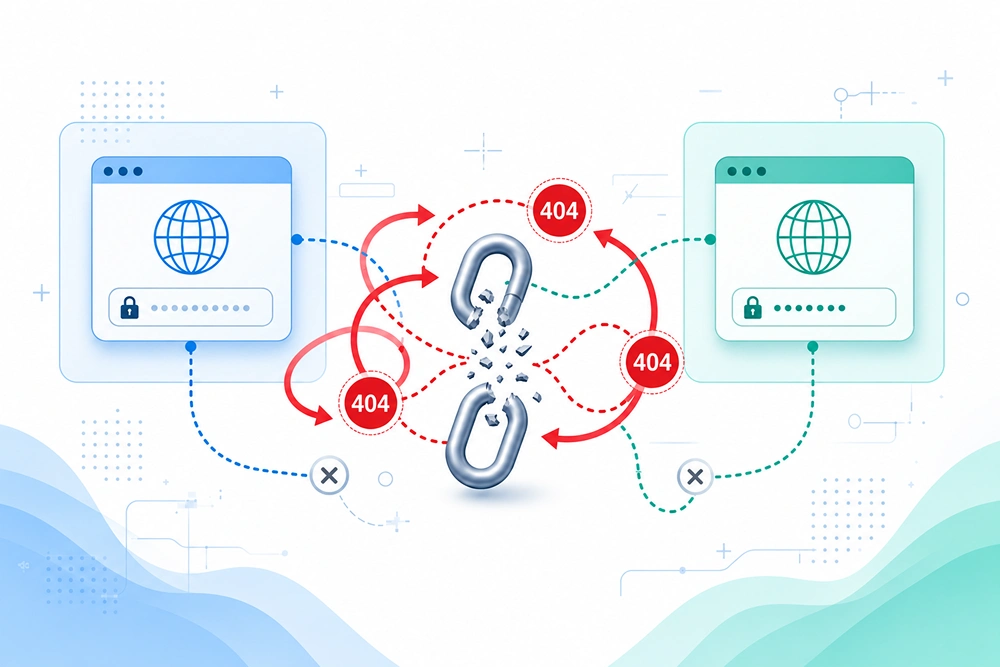
Common mistakes include:
- Missing 301 redirects: Old URLs are not redirected to their respective new alternatives.
- Redirect chains: One URL redirects through multiple URLs before reaching the final destination.
- Redirect loops: Loops that prevent users and crawlers from reaching the destination page. It keeps redirecting back and forth.
- Everything dumped to the homepage: Every removed page is redirecting to the homepage instead of a relevant replacement.
- Temporary redirects used for permanent moves: 302 temporary redirects used where a 301 permanent redirect was needed.
How to fix it:
- Build a full redirect map before launch.
- Match every important old URL to its best new equivalent.
- Once you go live, crawl the site properly. Look for missing redirects, chains, loops, and broken destinations.
- Use 301s for permanent changes instead of temporary redirects.
2. Important Pages Removed or Consolidated
Redesigns are often implied as deleting “outdated” pages, merging similar content, or reshuffling the structure. This cleanup generally improves quality, but removing pages without checking their SEO value can be an expensive mistake.
That outdated-looking, generic page might still pull solid traffic for your brand, rank for useful keywords, hold backlinks, or drive conversions. If you delete it without a strong replacement, you lose a working entry point.
Besides, merging pages creates their own complexities. If the new page doesn’t match the original search intent, even a redirect can not save the rankings.
Before you remove or merge pages, review its:
- Organic traffic and keyword rankings
- Backlinks pointing to the page
- Leads, sales, and conversions
- Search intent and original purpose
How to fix it:
- Compare the full pre-migration URL list against the new site.
- Restore high-value pages where it makes sense.
- Redirect removed URLs only to genuinely relevant destinations.
- Keep the content and intent that made those pages work.
3. Crawlability and Indexability Issues
Search engines can’t rank what they can’t crawl or index. Visibility usually crashes faster after a migration. Staging settings, technical leftovers, or CMS defaults often sneak onto the live site.
Technical errors, including noindex tags, robots.txt blocking key sections, and canonicals pointing the wrong way, may suddenly cause important pages to disappear from search.
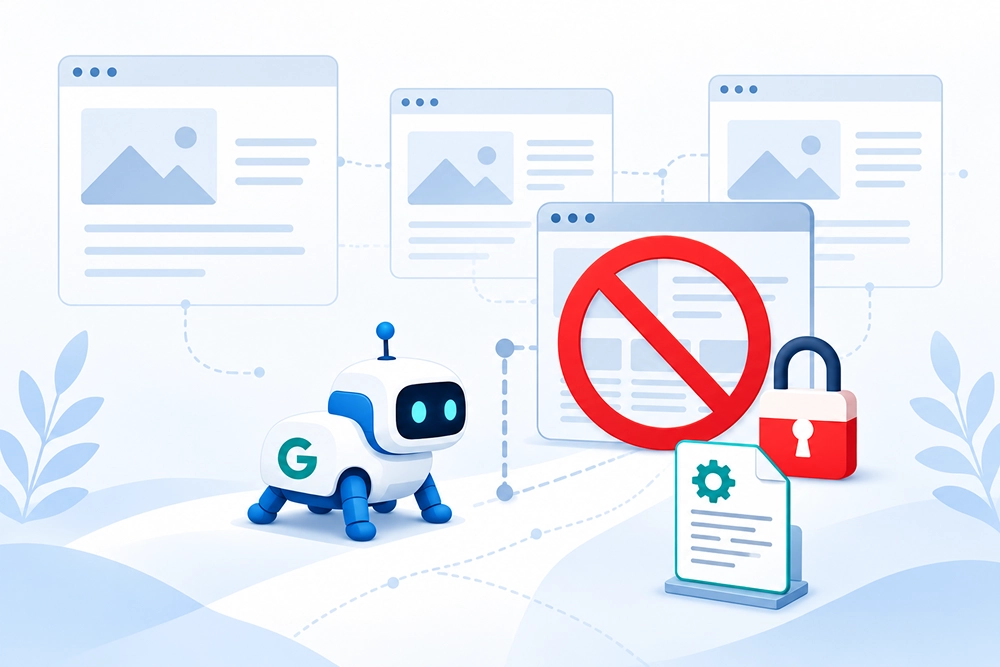
Common problems include:
- Crawl errors and noindex tags left on live pages
- Robots.txt rules blocking essential URLs
- Canonicals pointing to old or unrelated pages
- Content locked behind login
- Incorrect indexing directives from the CMS
An indexed staging site can create duplicate issues too. Especially if it stays public and crawlable.
How to fix it:
- Audit the live robots.txt, meta robots, canonical tags, and index settings right away.
- Use Google Search Console’s URL Inspection tool on key pages.
- If staging URLs got indexed, remove them and clean up the signals.
4. XML Sitemap and Internal Linking Problems
XML sitemaps and internal links are crucial to your newly migrated site. The XML sitemap helps search engines find important URLs. Internal links help search engines understand how your pages relate to each other, your site structure, and the relationship between topics.
Common issues include:
- The old sitemap remains live after migration. It may contain old URLs, redirects, or pages that no longer exist. That sends mixed signals.
- The new sitemap contains redirected, 404, noindexed, or non-canonical URLs.
- The sitemap is not submitted to Google Search Console.
- Internal links still point to old URLs.
- Navigation menus, footer links, breadcrumbs, or category links break after launch.
- Important pages become orphaned, meaning no internal links point to them.
- New site architecture reduces internal links to key service, product, or location pages.
How to fix it:
- Generate an updated XML sitemap with canonical, indexable URLs and submit it in Google Search Console.
- Replace internal links that point to redirects or broken URLs.
- Review navigation, breadcrumbs, and contextual links.
- Find orphan pages. Add relevant internal links.
- Prioritize pages that previously drove organic traffic, leads, or sales.
5. On-Page SEO Lost During Redesign
A redesign looks refreshing, but it may quietly erase your on-page SEO. New templates, CMS settings, or automated fields can replace carefully optimized elements. For example, a page previously titled “Emergency Plumber in Austin | 24/7 Service” may become “Plumbing Services” after migration. Even if you keep similar content, the page might lose its relevance for high-intent local searches.
So, a page that earlier had a strong title tag and relevant H1 may now get launched with generic content or duplicate headings.
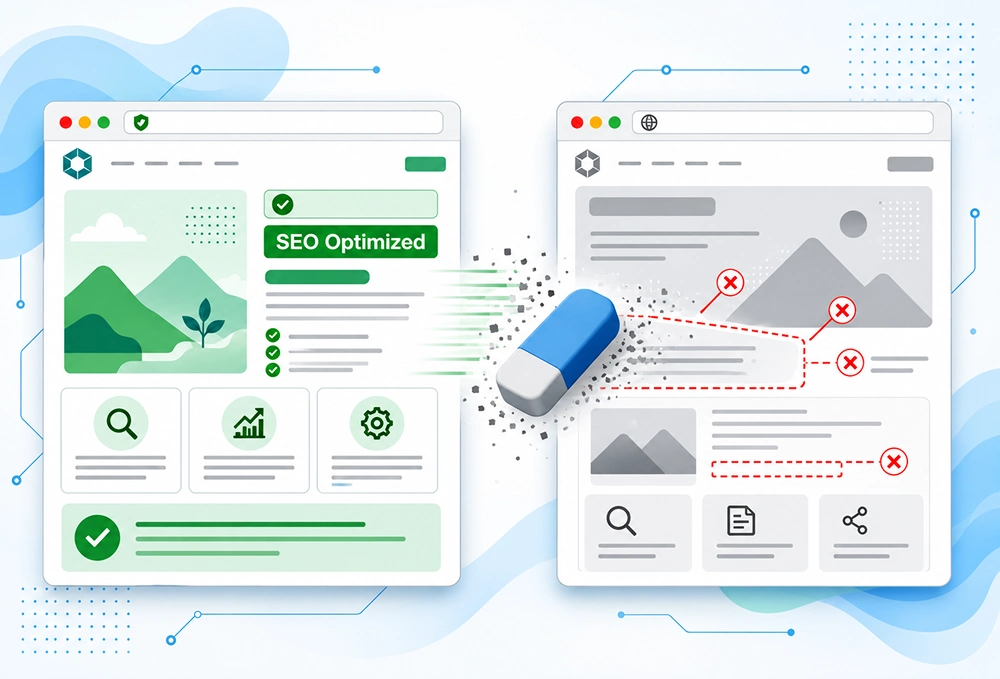
Check these elements:
- Title tags and meta descriptions.
- H1s, H2s, and other headings.
- Main page copy and supporting content.
- Image alt text.
- Structured data and schema markup.
- Internal anchor text and descriptive URL slugs.
Not every SEO change causes a ranking decline. But widespread element changes can confuse search engines. They may no longer understand a page’s relevance or purpose.
How to fix it:
- Compare crawls of the old and new websites.
- Identify missing or changed elements.
- Restore important metadata, headings, content, and structured data where appropriate.
- Start with pages that previously performed well. They usually have the most traffic to lose.
6. Content, Structure, or Search Intent Changed
Not all migration traffic loss is due to technical issues. Sometimes redirects and technical settings are fine, but traffic still drops. This can be due to a large change in content or structure.
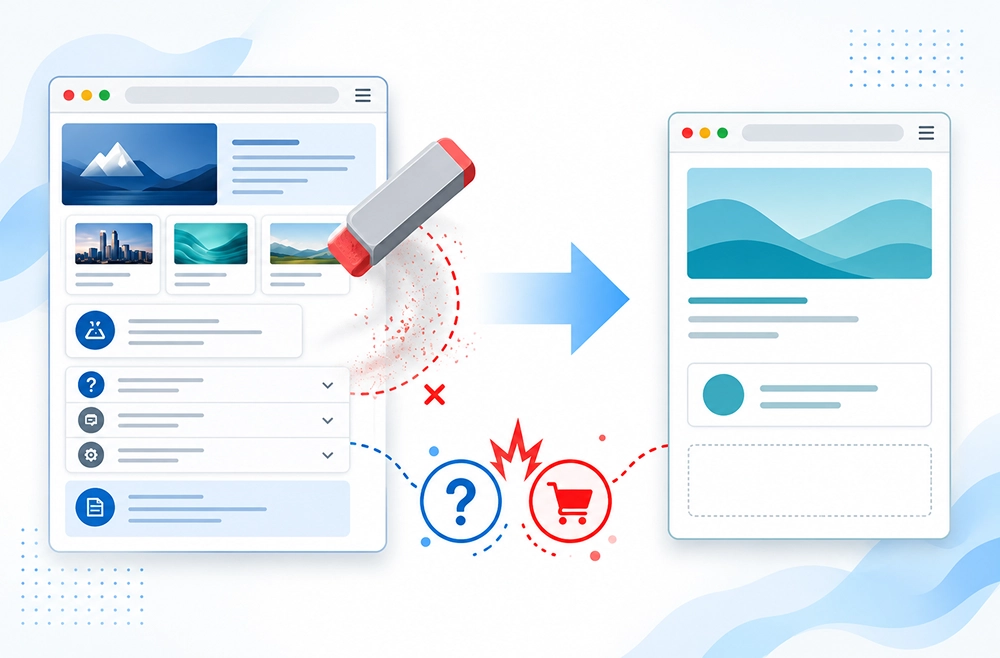
This may happen when teams:
- Shorten detailed pages to make them look cleaner. They may remove useful information while trimming or combine many topics into one page.
- Remove FAQs, specifications, comparisons, or supporting sections. The page no longer answers queries it once ranked for.
- Combine pages with different search intents.
- Change a page from informational to commercial or vice versa.
- Move content into accordions, tabs, or JavaScript components.
- Reorganize categories or URL structures.
- Change the primary topic of a page.
These updates sometimes change the whole search intent of the page, and it loses its relevance.
How to fix it:
- Compare old and new versions of important pages.
- Review content depth, topic coverage, headings, and page purpose.
- Preserve useful content unless there is a clear reason to remove it.
- Ensure consolidated pages fully address the intent of their target queries.
- Avoid merging pages just to simplify the site. Simplification should not cost relevance.
7. Technical Performance and Rendering Issues
Technical performance and rendering issues often directly impact user experience and how search engines access content. Heavy scripts can slow things down. New themes can add bloat, whereas third-party integrations can break functionality. Moreover, changes to the rendering framework may create bigger issues.
Sometimes, important content or internal links do not appear in the rendered HTML. A JavaScript-heavy site makes this more likely. If search engines cannot render key content, they may not see it at all.
Other common problems include:
- Slower page loading after launch.
- Increased page weight or excessive JavaScript.
- Missing content in rendered pages.
- Mobile usability problems.
- Core Web Vitals regressions.
- Broken navigation or interactive elements.
Performance issues do not always cause a major ranking drop. But rendering failures and poor user experience deserve quick attention and demand action.
How to fix it:
- Compare performance before and after migration.
- Test important templates on mobile and desktop.
- Inspect rendered pages.
- Check Core Web Vitals.
Then fix what blocks users or search engines from accessing essential content and functionality. Prioritize the biggest issues first.
8. Domain, HTTPS, WWW, or Canonical Changes
Migrations are not always just redesigns. Businesses may look to change the domain, HTTP, or add a new URL. These changes require consistent signals everywhere.
Redirects, canonical tags, internal links, and XML sitemaps must all point to the same preferred version. If they do not, search engines may struggle to identify the canonical URL.
For example: a page redirects to HTTPS, but its canonical tag still references the old HTTP version. This creates confusion. Internal links may also continue pointing to the previous domain after migration.
Common scenarios include:
- Moving from HTTP to HTTPS.
- Changing from non-www to www, or vice versa.
- Migrating to a new domain.
- Moving from a subdomain to a subfolder, or vice versa.
- Changing trailing-slash conventions.
- Creating conflicting canonical tags.
- Failing to update hreflang tags on multilingual sites.
How to fix it:
- Decide on the preferred domain and URL format. Then enforce it consistently.
- Use permanent redirects.
- Update canonical tags.
- Update internal links.
- Update XML sitemaps.
- Map old URLs to their correct new destinations.
For domain migrations, monitor the transition in Google Search Console. Watch indexing, clicks, and coverage closely.
9. Analytics and Tracking Issues
Not every traffic decline is real. Sometimes the site is fine, but the tracking process is hampered. A migration can also disrupt analytics. The new site may be launched without the correct GA4 tag. This can lead to duplicated, incomplete, or misconfigured tracking. Consent settings can also affect data collection.
Cross-domain tracking changes can create further problems. Sessions may be attributed incorrectly. Organic traffic may appear lower than it actually is.
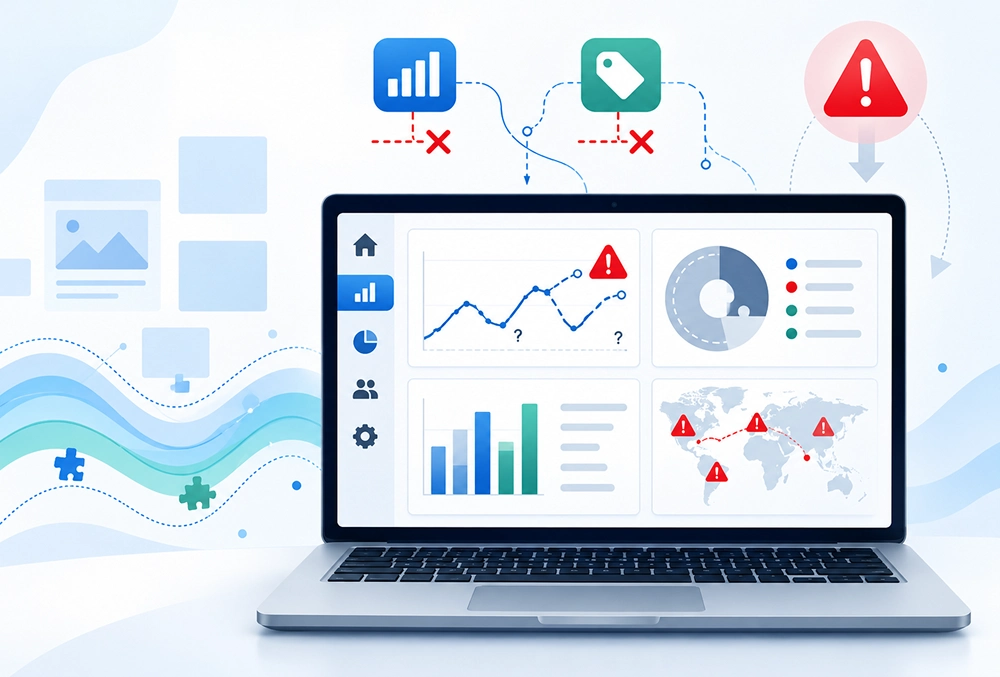
Common tracking issues include:
- GA4 was not installed correctly on the new site.
- Google Tag Manager tags failed to fire.
- The wrong GA4 measurement ID was used.
- Search Console property verification was lost.
- The new site uses a different domain or subdomain without property updates.
- Conversion tracking was not migrated.
- Filters, segments, or attribution settings changed.
- Landing-page URLs changed, making historical comparisons difficult.
This creates a misleading picture of SEO performance. Especially when GA4 reports a sudden decline, but Google Search Console does not.
How to fix it:
- Verify that GA4 is collecting data correctly across the new website.
- Test important landing pages.
- Confirm organic sessions are attributed properly.
- Check conversion events.
- Compare GA4 sessions with Google Search Console clicks.
This comparison helps separate tracking problems from genuine search visibility issues.
Remember: These platforms measure different parameters. Search Console reports clicks from Google Search. GA4 records website activity based on its analytics configuration. Their numbers will not match exactly, and that is normal.
Website Migration Traffic Loss Checklist (Quick Assessment)
Not every traffic drop after migration has the same cause. In many cases, issues can be identified by reviewing a handful of critical SEO elements. Before identifying individual issues, you can use the below mentioned checklist to narrow down the possible cause of the drop and take necessary actions.
Question |
If Yes |
If No |
|---|---|---|
| Are old URLs redirecting correctly? | Move to next check | Fix redirects |
| Is the new site indexable? | Continue | Remove blocks |
| Have key pages been preserved? | Continue | Restore pages |
| Has organic traffic dropped across all pages? | Investigate technical issues | Investigate affected sections |
| Are rankings also declining? | SEO issue likely | Check analytics/tracking |
How to Diagnose a Traffic Drop After Migration
Traffic generally drops after a migration. The key is finding the real cause instead of depending on guesswork. Don’t start by making random changes. Compare the numbers, inspect the URLs, and check if search engines can even reach and index the new pages.
Here’s a quick overview table with symptoms, what to check, and the likely cause of a traffic drop.
Symptom |
Likely Cause |
First Thing to Check |
|---|---|---|
| Traffic dropped sitewide | Crawl or indexing issue | Search Console Coverage |
| Traffic dropped on specific pages | Missing redirects | URL Mapping |
| Rankings disappeared overnight | Noindex or robots issue | Page Source & Robots.txt |
| Indexed pages decreased | Canonical or crawl errors | Indexing Reports |
| Organic traffic stable but conversions fell | Tracking issue | Analytics Setup |
| Pages not appearing in Google | Indexation problem | URL Inspection Tool |
You can follow these five steps in order to surface issues responsible for the traffic drop quickly.
Step 1: Compare Traffic Before and After Migration
Pull the data and compare performance before and after the migration. This shows when the drop started, how severe it is, and what’s actually affected.
In GA4, review:
- Organic traffic: Compare organic sessions before vs. after
- Landing page performance: Check which pages lost the most visits
- Conversions: Look for declined leads, purchases, or other key actions
- Revenue: If you have an e-commerce website, check if the traffic drop has affected your sales.
Compare relevant time periods and keep seasonality in mind. Changes in seasons also directly impact traffic. Also, pay special attention to whether the traffic drop is sitewide or limited to certain pages or categories. A sitewide drop generally relates to technical or indexing problems. If the decline just started the day you launched, treat it as migration-related problems first and look for solutions accordingly.
Step 2: Check Google Search Console
Search Console tells you what Google actually sees. It can provide direct insight into how Google is crawling, indexing, and evaluating your website after launch.
In Google Search Console, review:
- Indexing reports: Spot any unexpected spike in excluded URLs. Verify if all important pages are still indexed.
- Crawl anomalies: Check for server errors or access problems that might be blocking Google.
- Performance reports: Compare clicks, impressions, CTR, and average position before and after.
- URL Inspection: Inspect indexing status and the Google-selected canonical for key pages
Look for patterns instead of focusing on single metrics. For instance, if impressions and positions are down, it indicates a visibility problem.
Step 3: Audit Redirects
If your migration involved changing URLs, redirects are usually the first place to look. Incorrect redirects can mislead users and search engines.
Crawl with Screaming Frog (or similar website crawler tool) and check for:
- Redirect chains (A → B → C)
- Redirect loops
- 404 errors on old URLs or internal links
- Wrong destinations (sending people to irrelevant pages)
- Missing redirects entirely
Prioritize the URLs that used to drive traffic, backlinks, or conversions. Use proper 301s. Make sure the destination is relevant and live. Fix the high-value ones first.
Step 4: Analyse Lost URLs
Now that you have verified redirects, it’s time to look for pages that have actually lost traffic or vanished from search. Take your pre-migration URL list. Compare it to a fresh crawl or export of the new site.
Focus on:
- Pages that previously drove organic traffic or conversions
- High-ranking pages that tanked
- URLs with strong backlinks
- Pages that got deleted, consolidated, or moved
- Old URLs missing from the new sitemap or redirect map
For each one, check out if there is a proper replacement. Examine if the content and search intent are preserved and if the new pages are indexable.
If multiple high-value pages are missing, there’s likely to be an accidental removal or incorrect redirects. If only a specific section is affected, inspect its templates, internal links, content changes, and the URL mapping.
Step 5: Review Crawlability and Indexability
Lastly, confirm if search engines can crawl the new site and know what to index. Migrations often introduce technical blocks that prevent important pages from being indexed and crawled.
Check the following areas:
- Robots.txt: Inspect whether anything important is blocked by accident
- Canonical tags: Verify if the important pages are pointing to the right or preferred URLs.
- XML sitemaps: Check if URLs are clean, canonical, and indexable. Ensure they are accessible to search engines.
- Indexability: Look for accidental noindex tags, wrong status codes, or other blockers.
Validate these changes with Search Console and a crawler. Fix the issues. Then monitor the affected URLs to check if crawling and indexing errors have recovered.
Find the actual problem first. Fixing the root cause beats throwing random changes at the site every time.
Traffic Recovery Strategies After a Website Migration
Most of the post-migration issues are fixable. Once you have diagnosed the primary issues, it’s now time to fix them. The best way to proceed is to prioritize the process. Focus on critical issues first, such as noindex, crawl blocks, or broken redirects that have a direct impact on rankings and performance. You can then move to medium or low-priority issues.
The table below can help identify recommended actions and determine the most appropriate action.
Issue |
Recommended Action |
Priority |
|---|---|---|
| Sitewide noindex or crawl block | Remove unintended noindex tags and robots.txt blocks. Verify key pages are crawlable and indexable. | Critical |
| Incorrect redirects on high-value URLs | Fix redirects so old URLs point to the most relevant new pages (use 301s). | Critical |
| Important pages deleted or missing | Restore valuable pages or redirect them to genuinely relevant alternatives. | High |
| Incorrect canonical tags | Update canonicals to the correct indexable URLs. | High |
| Broken internal links | Update internal links to point directly to the correct live URLs. | High |
| Missing or outdated XML sitemap | Create and submit a clean sitemap containing only canonical, indexable URLs. | Medium |
| Lost metadata or content | Restore important title tags, headings, and content where rankings have dropped. | Medium |
| Performance or rendering regressions | Fix slow loading, JavaScript rendering issues, or Core Web Vitals problems. | Medium |
| Traffic and indexing fluctuations | Monitor Search Console, GA4, and top landing pages daily for the first 4–6 weeks. | Ongoing |
How to Prevent Traffic Loss During Future Website Migrations
By understanding more about the issues and knowing which take the longest time to resolve, you can avoid them from appearing in your next website migration. With proper planning, implementation, and post-launch process, you can avoid these issues.
The table below provides phase-wise preventive actions to ensure you have healthy website migrations and maintain consistent search performance throughout the transition.
Migration Phase |
Preventive Action |
Purpose |
|---|---|---|
| Pre-Migration | Crawl the existing site and document important URLs, traffic, and rankings. | Establish a baseline and identify pages that must be preserved. |
| Pre-Migration | Map old URLs to their corresponding new URLs and test the redirect plan in a staging environment. | Reduce the risk of broken redirects and lost page relevance. |
| Pre-Migration | Back up content, metadata, structured data, and technical SEO settings. | Preserve important SEO elements during the transition. |
| Migration | Test the staging site for crawlability, indexability, canonicals, and rendering issues. | Catch technical problems before launch. |
| Migration | Check navigation, internal links, and XML sitemap generation. | Ensure important pages remain discoverable. |
| Post-Migration | Verify the live site, redirects, and indexing directives immediately after launch. | Catch launch-related issues before they persist. |
| Post-Migration | Compare traffic, rankings, and conversions against the pre-migration baseline. | Identify unexpected performance changes early. |
How Long Does SEO Recovery Take After a Website Migration?
This is one of the most commonly asked questions after migration. Although there is no universal timeline, SEO recovery time generally depends on factors such as type of problem, the size of the website, and how quickly search engines can recrawl and reprocess pages.
Issues such as incorrect redirects or accidental noindex tags may begin to improve in days after correction. On the other hand, issues including content losses, domain migrations, or multiple technical SEO problems may require weeks or sometimes even months for recovery.
The table below provides you with a general recovery timeline for common post-migration issues along with factors that influence recovery.
Issue Type |
Typical Recovery Time |
Notes |
|---|---|---|
| Redirect Fixes | Days to Weeks | Depends on crawl frequency |
| Indexing Problems | 1-6 Weeks | Search engines must reprocess pages |
| Content Restoration | Several Weeks | Rankings may return gradually |
| Internal Link Repairs | Several Weeks | Authority signals need recrawling |
| Domain Migration | Several Months | Usually the longest recovery period |
| Multiple Technical Issues | Several Months | Recovery depends on issue severity |
When Should You Hire an SEO Consultant After a Website Migration?
If your organic traffic continues to decline significantly, your important pages are disappearing from search results, or your ranking is failing to recover, you need an SEO consultant.
If you can relate to any of these, consider hiring an SEO consultant:
- Sharp decline in organic traffic.
- Previously high-performing pages have started disappearing from search results.
- The technical SEO issues remain unresolved.
- You are unable to identify the root cause of traffic decline.
- Your migration is complex, involving large websites and multiple subdomains.
An experienced SEO services consultant can carefully audit your migrated website, compare it with the performance of the pre-migrated version, and identify underlying issues causing that traffic drop.
Conclusion
A successful website migration is not just about launching a newly revamped website. It is more about strengthening its functionality. A short dip is often natural as search engines need time to crawl and understand the new website. But if this dip is prolonged, it indicates issues such as missing redirects, indexation problems, content changes, or technical SEO errors.
The key is to determine the root cause and fix the high-priority issues followed by others to ensure smooth website functionality. If your website is continuously losing traffic after migration, an effective SEO audit can help uncover issues affecting performance and establish a clear path towards recovery.
Frequently Asked Questions
1. Why does organic traffic drop after a website migration?
Organic traffic generally drops after a website migration due to incorrect redirects, indexing issues, missing content, broken internal links, or changes to URLs, metadata, and site structure. We can help you track these errors with in-depth audits.
2. How long does it take for traffic to recover after a website migration?
Recovery time generally depends on various factors such as your website’s size, the type of migration, and the issues involved. Minor problems are often resolved within days or weeks, whereas complex migrations or significant technical SEO issues can take several months to recover from.
3. Is it normal for traffic to drop after a website migration?
Yes. A short-term dip is common while Google recrawls and reindexes the new site. However, a large or prolonged drop usually indicates some underlying technical issues that need quick attention.
4. How do I diagnose a traffic drop after a website migration?
You can compare pre- and post-migration performance in Google Search Console and Google Analytics 4. Check organic clicks, impressions, landing page sessions, conversions, indexing reports, redirect status codes, and crawlability to identify where performance has changed.
5. What is the most common reason traffic falls after a migration?
The most common reasons for the fall of traffic after a migration include missing or incorrect redirects on high-value pages, followed by indexability issues (noindex tags, robots.txt blocks) and important pages being removed without proper redirects.
6. Should I use 301 or 302 redirects after a migration?
You should always use 301 (permanent) redirects for URL changes during a migration. 302 redirects are temporary and do not pass ranking signals as effectively.
7. How can I prevent traffic loss during a website migration?
You can crawl the existing website, map old URLs to new URLs, back up content and SEO settings, test redirects, and check crawlability and indexability before launch to avoid any loss. After migration, submit the updated XML sitemap and monitor traffic, rankings, and indexing for unexpected changes.
8. When should I hire an SEO consultant after a website migration?
Consider hiring an SEO consultant if organic traffic continues to decline, important pages lose rankings or indexing, technical issues remain unresolved, or you cannot identify the cause of the drop. A consultant can audit the migrated website and prioritize recovery actions.

Gurpreet Singh is a Marketing Manager at SEO Services Consultants. Over the years, he has worked with businesses from different industries, building strategies and approaches based on their needs.
The everyday challenges he comes across in his work often become the topics he writes about. His articles share what he learns from his work, research, and observations on ongoing market trends. Through his content, he aims to offer practical, clear, and useful insights to readers.